

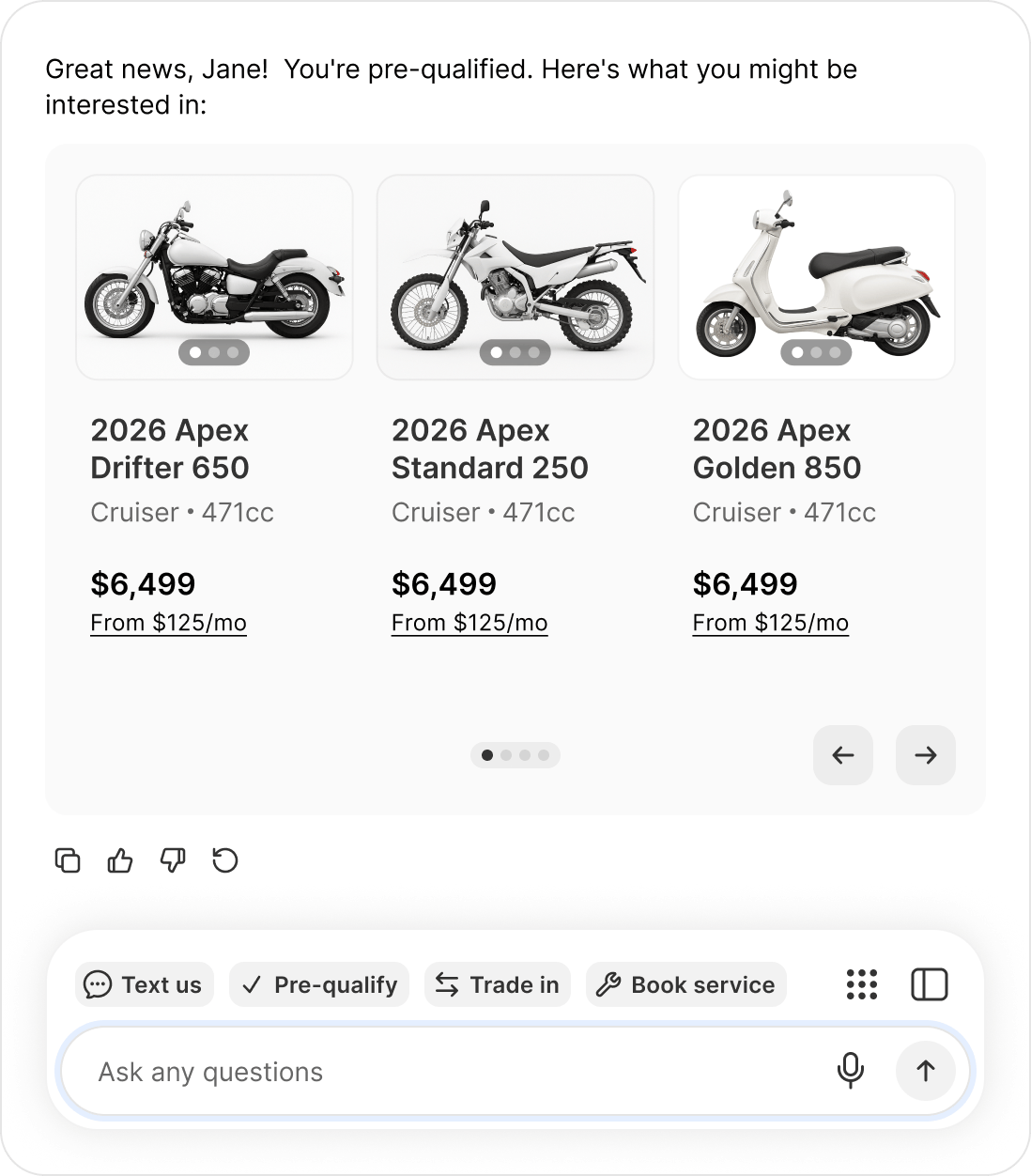
Once pre-qualified, the agent shows what the buyer can actually afford.
How it runs per channel
Website chat — the flow opens inside the chat window. Text message — the agent sends the link straight in the message body, for example “Get pre-qualified: https://your-dealership.example.com/…”. No “reply YES” step. It is your own branded checkout URL.What the agent does with the result
The agent adapts and, importantly, never uses discouraging language. Approved — it congratulates the buyer and points at the most useful next step, based on what your dealership has enabled:- Online checkout enabled → encourages completing the purchase online
- Appointment booking enabled → suggests booking time with a rep
- Neither → tells them a team member will help them move forward
No configuration needed. The agent works out the right next step from the capabilities your dealership has turned on.