

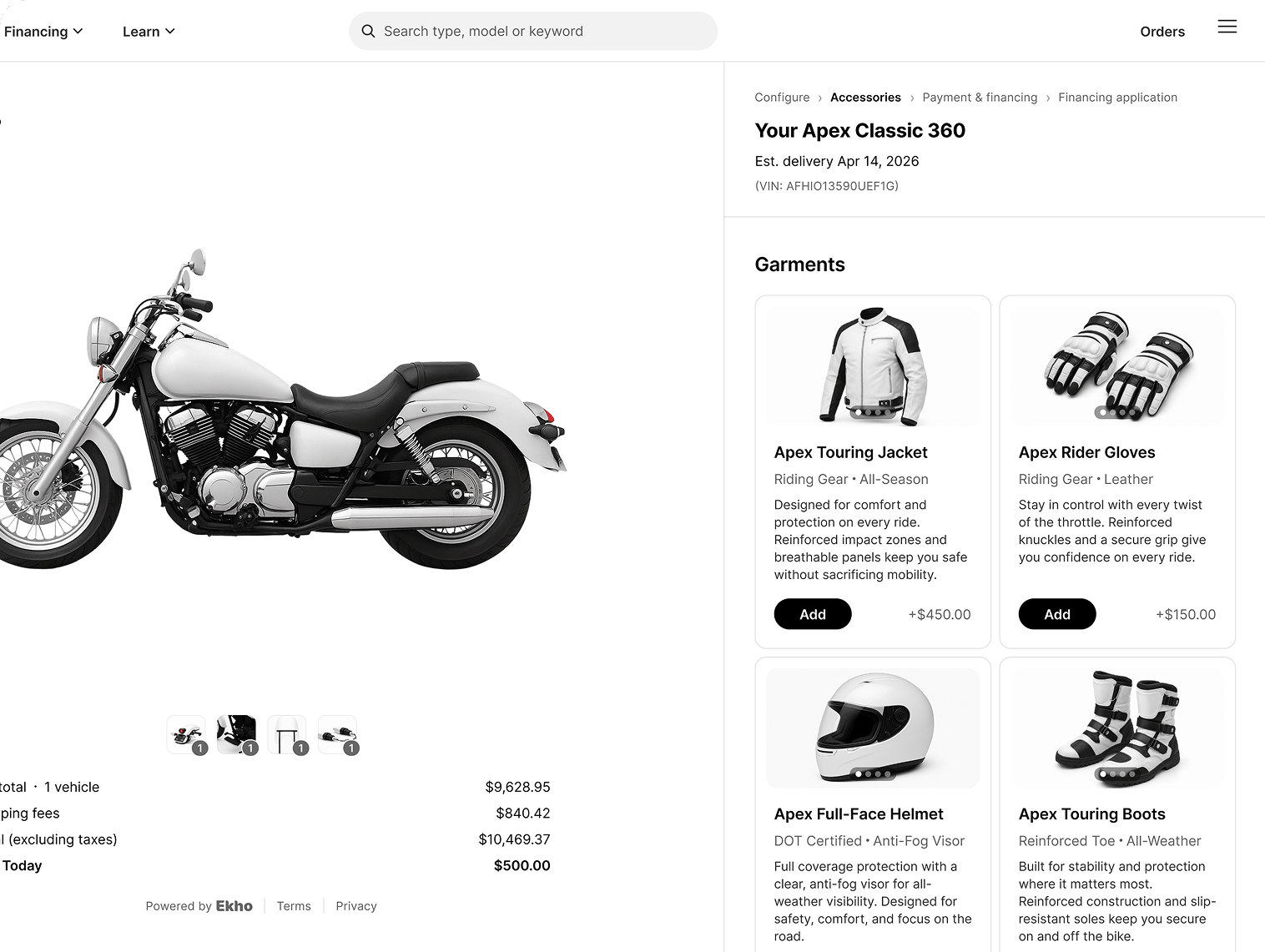
Gear presented during checkout, with price and a one-tap add.
Parts and accessories
Managed in their own table, separate from vehicles.- Edit an accessory to set its details and price
- Publish or unpublish to control whether buyers can see and buy it
- Sync from DMS to pull your existing catalogue rather than entering items by hand
- Delete items you no longer carry
- Assign accessories to vehicles so the right items are offered with the right unit
Clothing and gear
Apparel such as jackets, gloves, helmets, and boots, offered during checkout the same way.Why it is worth setting up
An accessory sale attached to a vehicle costs you nothing extra to win. The buyer is already in a buying decision and already entering payment details, which is the easiest upsell you will ever get. Gear is also the category buyers most often forget they need until prompted. A first-time rider buying a bike genuinely needs a helmet.Accessories appear in checkout only when they are published and assigned to that vehicle. If something is not showing up, check both.