

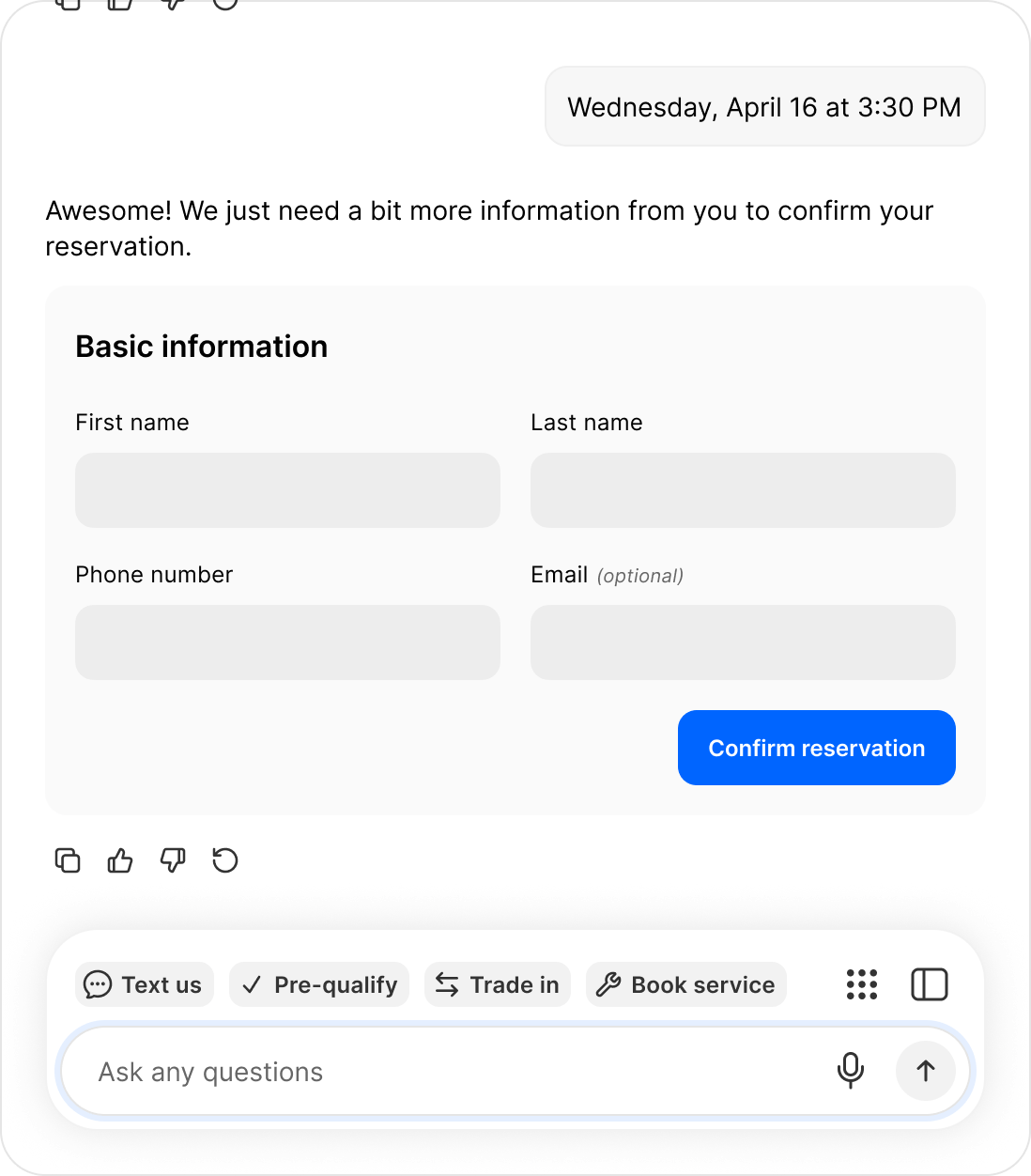
The agent confirms a real slot and collects what it needs to hold it.
Set it up
Under Product settings → Sales Agent → Capabilities, in Booking. Each appointment type is configured separately:1
Create the calendar
Use a calendar your team actually keeps current. The agent reads it as the truth about who is free.
2
Share it with the Ekho service account
This is what lets the agent check availability and write bookings back. Without the share, it cannot see or book anything.
3
Paste the calendar ID and set the duration
4
Add a notification email
So your team hears about a booking without watching the calendar.
Appointment types
Sales consultations and showroom visits are available today. Additional types, including test drives and demo rides, appear in the Booking section as they ship.What happens on booking
- The appointment lands on the connected calendar
- Notification goes to the address set for that appointment type
- The appointment is attached to the lead
- It travels with the lead when it is forwarded to your CRM
Booking outside your hours
A buyer messaging at 11pm still gets booked, into the next slot your calendar shows as free. The agent does not pretend somebody is available right now.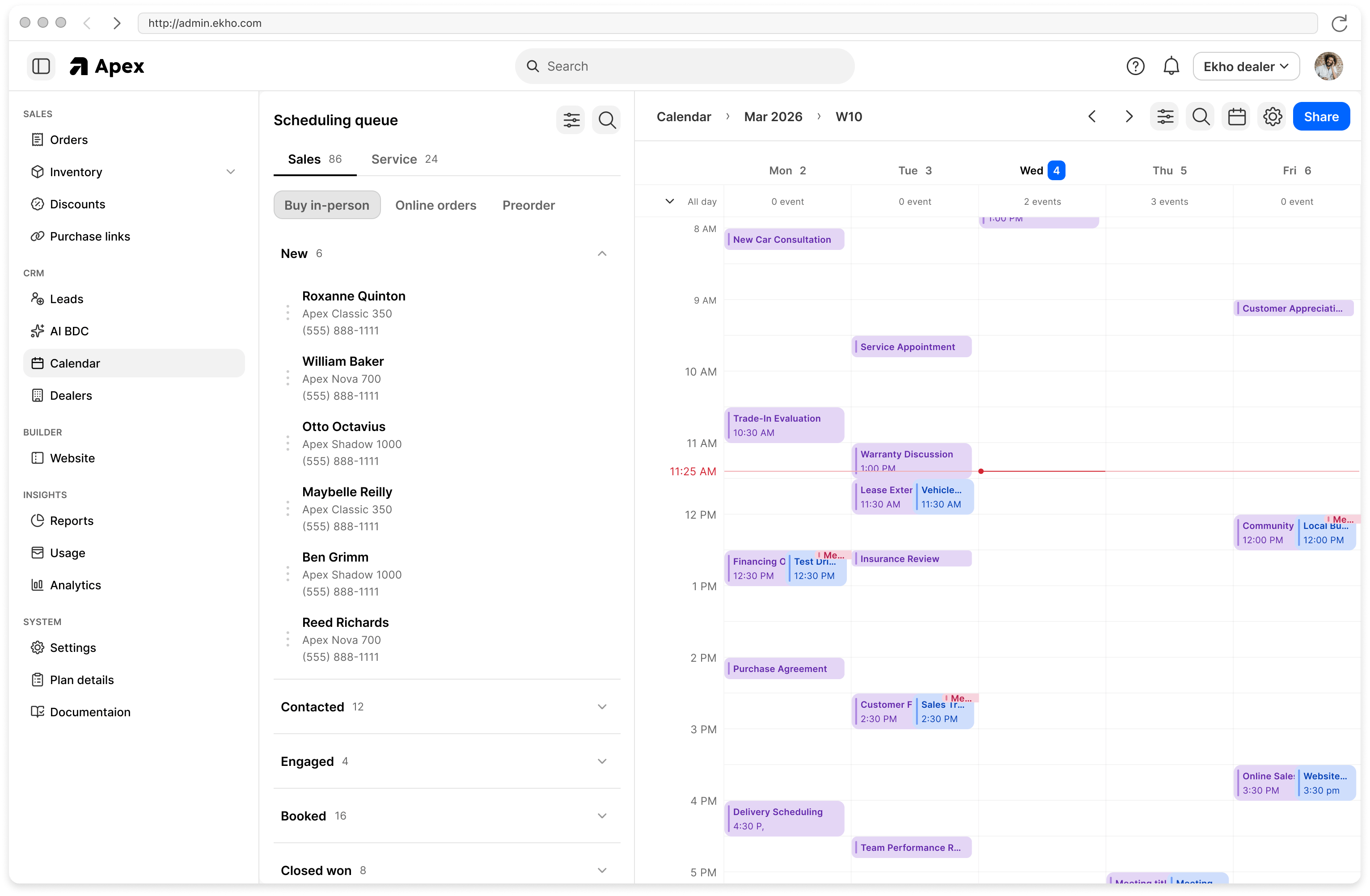
Appointments land in the scheduling queue alongside everything else your team is working.